Rethink the way you HOA

TownSq is a modern API platform with integrated tools and processes for HOA management. Our robust portfolio of digital solutions simplifies association communications through web and mobile applications and premium professional services.

TownSq

Revolutionize the way you work.

Get started

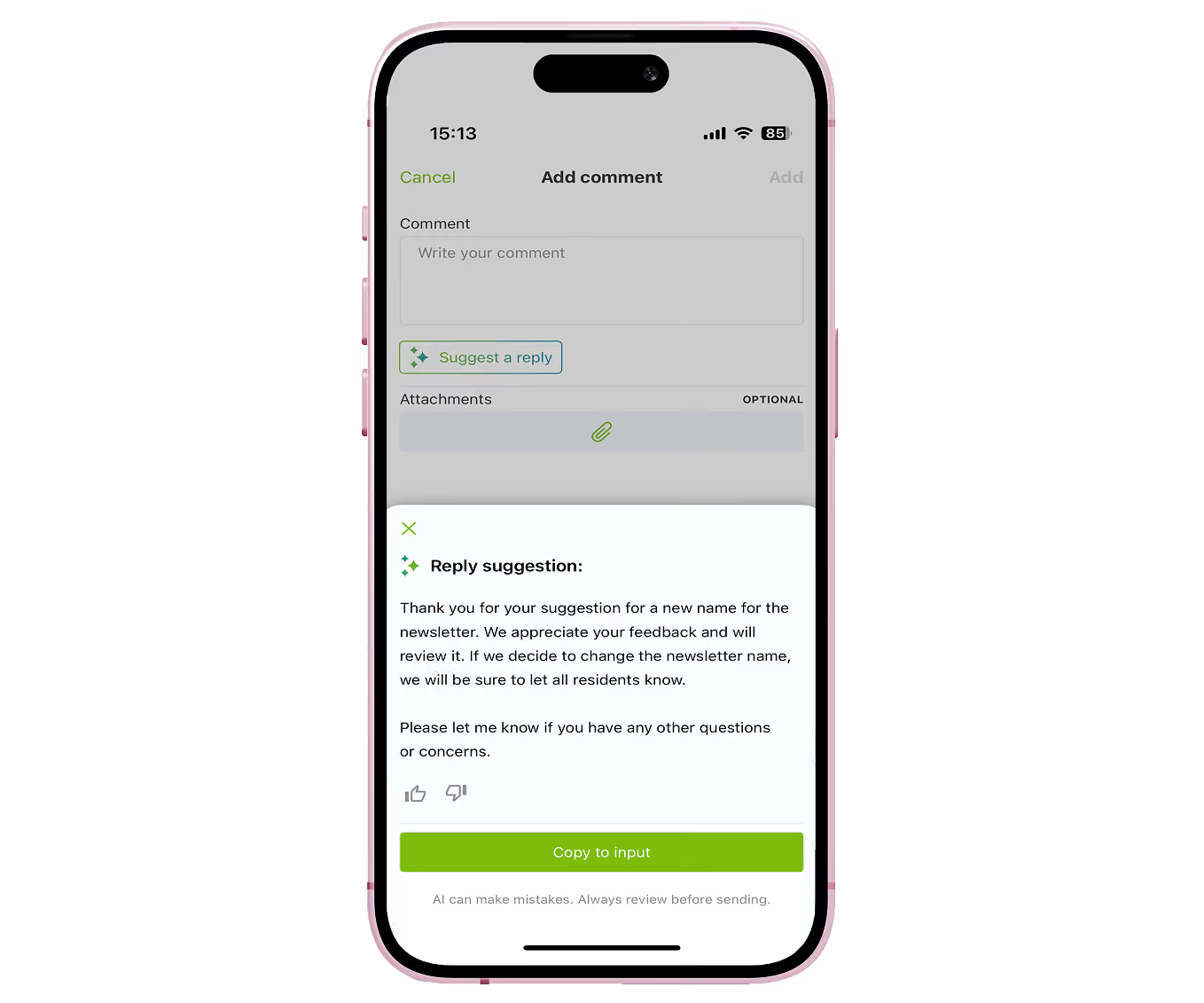
AI that knows your communities

AI drafts instant, customizable replies to resident requests using community-specific documents, so teams can reply faster without the fatigue.

Explore Suggested Reply
Mobile app screen showing an Add comment interface with a text box, Suggest a reply button, optional attachment area, and a reply suggestion message box with text and options to like, dislike, or copy the suggestion.

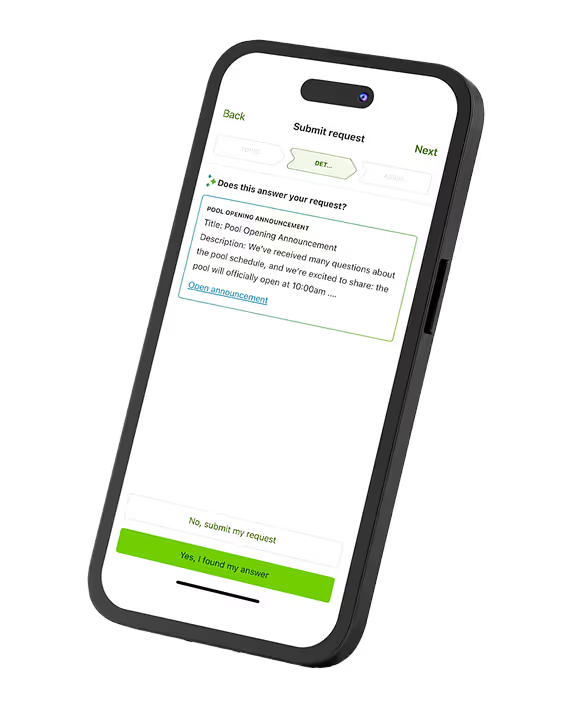
AI that spares your inbox.

Triaging homeowner questions with up to three tailored answers—cutting inbox clutter and saving teams time

Explore Request Interception
Smartphone screen showing a 'Submit request' interface with a highlighted pool opening announcement including title, description, and options to submit or confirm the answer.
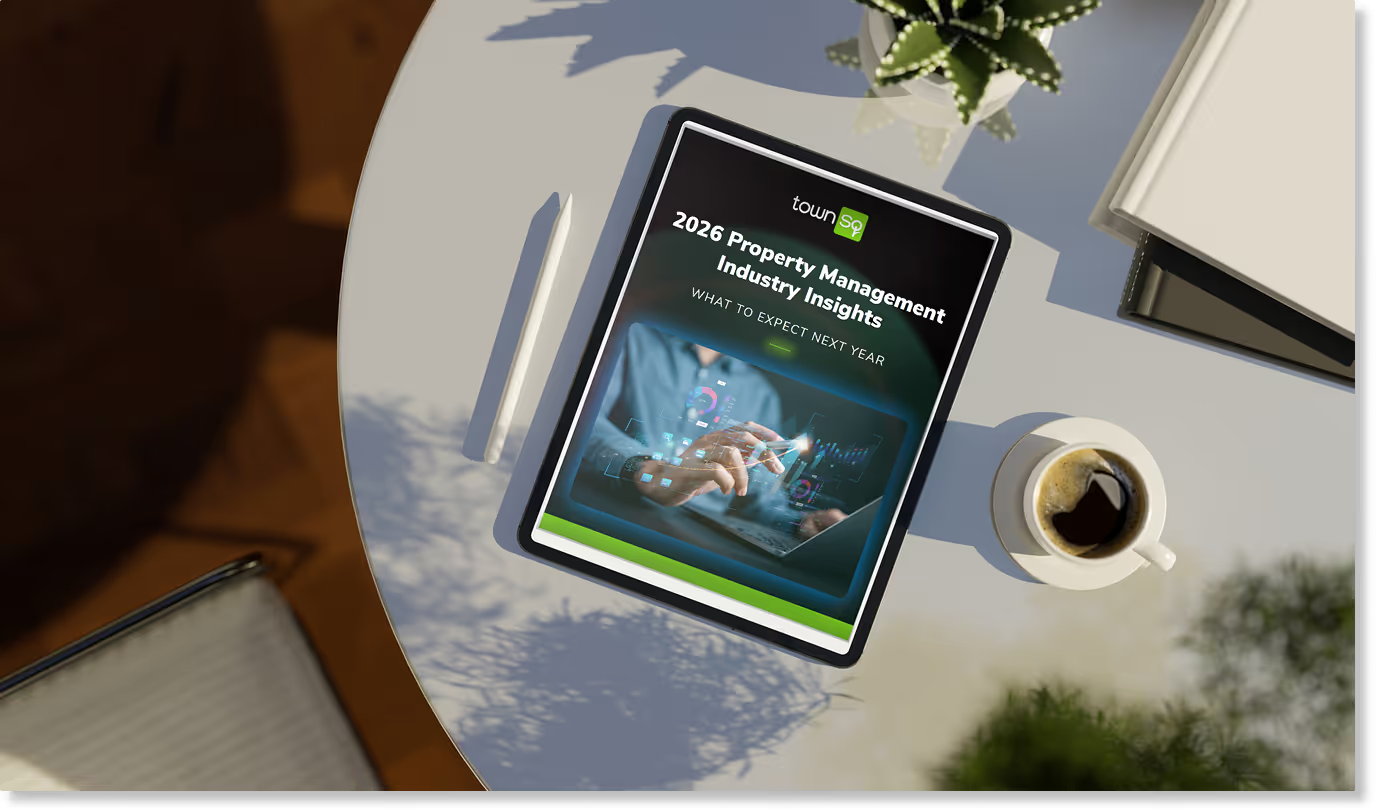
TownSP 2026 Property Management Industry Insights report - What to Expect Next Year guide on tablet device

New

Your 2026 roadmap is here!

Discover the trends shaping community management in 2026, straight from our industry-wide survey.

Get the eBook

Your goals, powered by our solutions

At the forefront of HOA management—smarter tools for seamless operations.

SOLUTIONS

community
Town Sq Business logo
business
Town Sq Resale logo
resale solutions

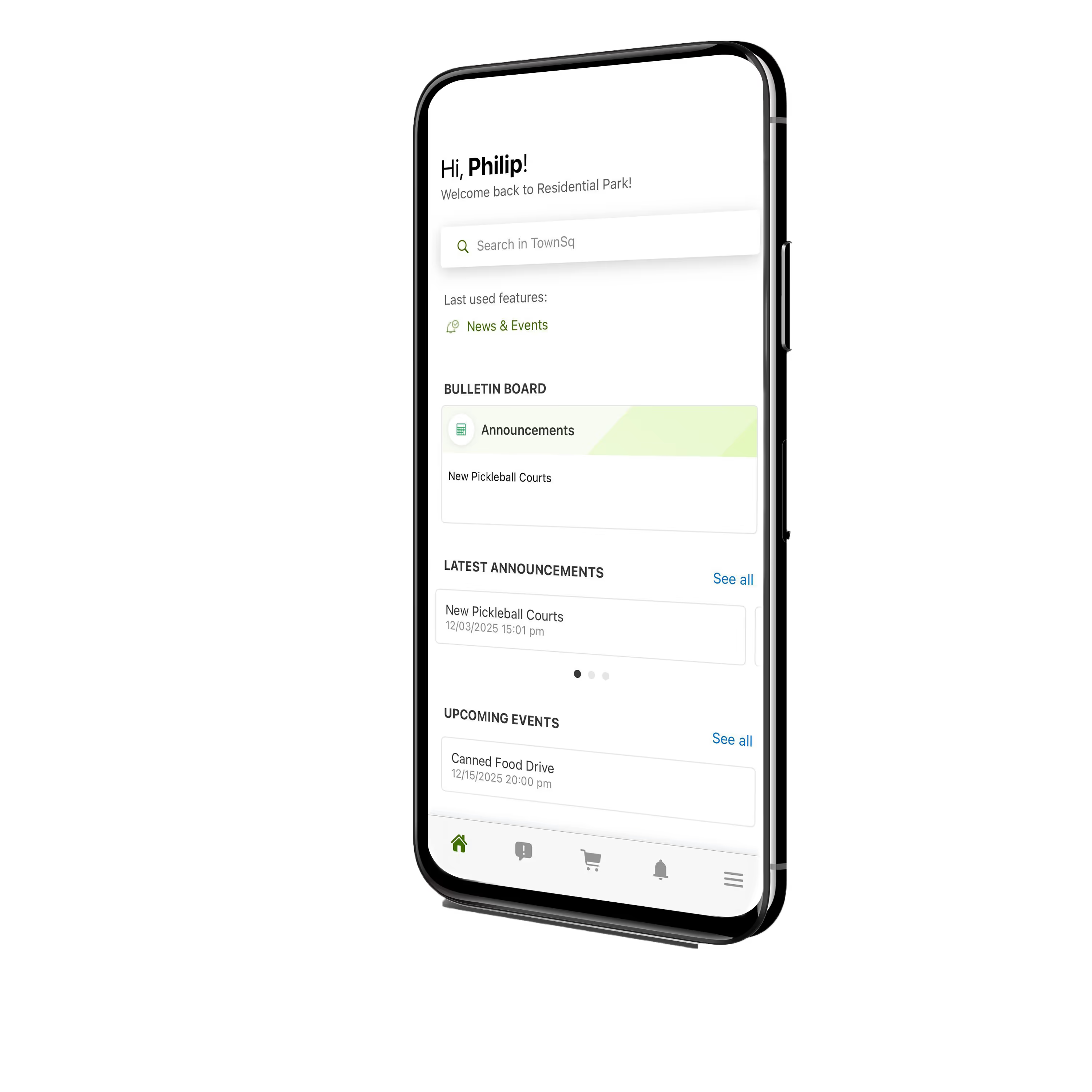
TownSq Community

A powerful software solution built for community operations, optimizing management and communications for a stronger, more connected community.
mock up townsq app in an Iphone

TownSq Business

Manage multiple communities with ease using our integrated online software, refining communications, requests, violations, accounting, and financials for total visibility and effortless control.

laptop mock up of townsq dashboard

TownSq Resale Solutions

Our industry-disrupting software solution blends end-to-end management with expert insight and breakthrough technology to simplify the HOA resale disclosure process from listing to closing.

Laptop screen showing TownSq Resale Solutions document management.
SERVICES

Power performance and growth with our premier professional services

Two computer monitors displaying an invoice and spreadsheet data side by side.
Bookkeeping

Accounting 

Outsource your financial operations to our professionals, handling accounts, reporting, banking, and more with precision and compliance.  

Person typing on a laptop with digital file and data management icons floating above the keyboard
Documents

Resale Order Document Processing  

Outsource resale transaction tasks to our expert network for smooth preparation, fulfillment, and support.  

Close-up of a tall stack of clean white paper sheets neatly arranged in rows
Mail

Ink Print + Mail

Reduce administrative tasks and take charge of billing, delinquency management, and communications. 

Check out our user’s reviews and ratings.

TownSq is rated 5 stars in-app and 4.9/5 stars on 1,883+ G2 reviews. See what they’re saying!

This system is fast and efficient, easy to use. Intuitive to what our community needs are and helps us stay in constant communication with neighbors. this is some longer text

Review Name 4

This system is fast and efficient, easy to use. Intuitive to what our community needs are and helps us stay in constant communication with neighbors. this is some longer text

Review Name 3

This system is fast and efficient, easy to use. Intuitive to what our community needs are and helps us stay in constant communication with neighbors. this is some longer text

Review Name 2

This system is fast and efficient, easy to use. Intuitive to what our community needs are and helps us stay in constant communication with neighbors.

Ira Femina

One platform. Endless ways to win.

We simplify management to amplify your results. 

3
m
+
documents archived
1
m
+
events
created
8.8
k
+
websites
created
1.3
m+
announcements
made
3
m+
active
users
18.6
k+
pets
registered

Trusted by companies worldwide 

ATG logoYardi LogoVMS LogoCoreLogic LogoCinc systems LogoCaliber Software Logo

The latest industry insights 

Stay on the cutting edge of HOA technology with our expert content. 

How HOA Management Companies Can Streamline Duties and Run Leaner in 2026

February 5, 2026
Read article

5 Ways HOA Management Companies Can Increase Engagement and Reach Quorum

January 22, 2026
Read article

How to Build a Scalable HOA Emergency Preparedness Plan

January 15, 2026
Read article
Woman in yellow sweater using a tablet with floating digital interface graphics.

FAQs

Find answers to our most common questions—no waiting required.

No, TownSq is a third-party communication and payment platform chosen by your HOA or management company.

TownSq is available for download on iOS and Android devices.

To get the app, simply:  

  1. Open the iTunes (iOS) or Google Play (Android) store.
  2. Search for TownSq.
  3. Select the TownSq icon.
  4. Tap Install.
  5. Follow the on-screen instructions to complete the installation.

Your management company will send you an email invitation with your login details. From there, you can either:

  1. Follow the instructions to create a password.
  2. Provide an email address and create a password.

That’s it! Now you’re registered and logged into TownSq.

If you have not received an invitation, visit https://app.townsq.io/login using a computer and follow the steps below to register your profile:

  1. Click Sign up with an account number in the lower-right corner of the page.
  2. Enter your property's ZIP code and your account number.
  3. Click Continue.
  4. Confirm your details and create a password.

Don’t have your account details? Contact your management company for assistance.

For any questions or to request a resend of your invitation, please reach out to your management company.

From the web:

  1. Log into TownSq at https://app.townsq.io/login.
  2. Click your name in the upper right-hand corner, then select Accounts.
  3. Click Make a payment to choose from options like One-time payment, Manage autopay, and Manage payment methods.

From the TownSq app:

  1. At the top of your mobile feed, select the account you would like to make a payment on.
  2. Tap Make a payment to choose from options like Pay open balance, Set up recurring payment, or Make a one-time custom payment.

Have more payment questions? Email us at support@townsq.io

Your online balance may show as zero before the start of the month, but payments can still be made at any time. If you have further questions about your balance or payments, email support@townsq.io

For refunds or to request a late-fee waiver, please contact your management company. TownSq is a third-party app and cannot process refunds or waive fees.

If you need help finding your management company’s contact information, email support@townsq.io, or log into TownSq and submit a request to your community manager or board members directly.

For mailing address updates or questions about your statement or bill, please reach out to your management company.

Online credit card payments incur a $2.95 convenience fee, plus 3.5% of the total payment amount. This fee is based on your assessment and may vary by community association. eCheck payments also incur a $2.95 convenience fee.

To explore additional payment options, such as sending a check or setting up Direct Debit (which have no additional fees), please contact your management company.

Desktop:

  1. Log into your TownSq account. In the top-right corner, click your name to open the drop-down menu.
  2. Select Edit profile.
  3. On the next screen, customize your notification preferences.
  4. Under News & Events, toggle notifications on (green) or off (white).
  5. Click Save in the bottom-right corner to apply your changes.

Mobile:

  1. Log into your TownSq account.
  2. Tap the Menu icon at the bottom of the screen.
  3. On the next screen, select Push notifications.
  4. Toggle the notifications you wish to receive on (green) or off (white).
  5. Tap Save to apply your changes.

To reset your password, use the following link: https://app.townsq.io/user-recovery.

TownSq support is available Monday-Friday, 9 AM-5 PM CST. You can contact us by phone, or you can email at support@townsq.io.  

We typically respond within the same day, though response times may vary based on demand.

TownSq is the third-party communication and payment platform used by your HOA or management company. For neighbor disputes, questions about guidelines, amenities, or other concerns, log into your TownSq account and contact your community manager or board members directly through the Requests tab.